
Start with the original—not a screenshot
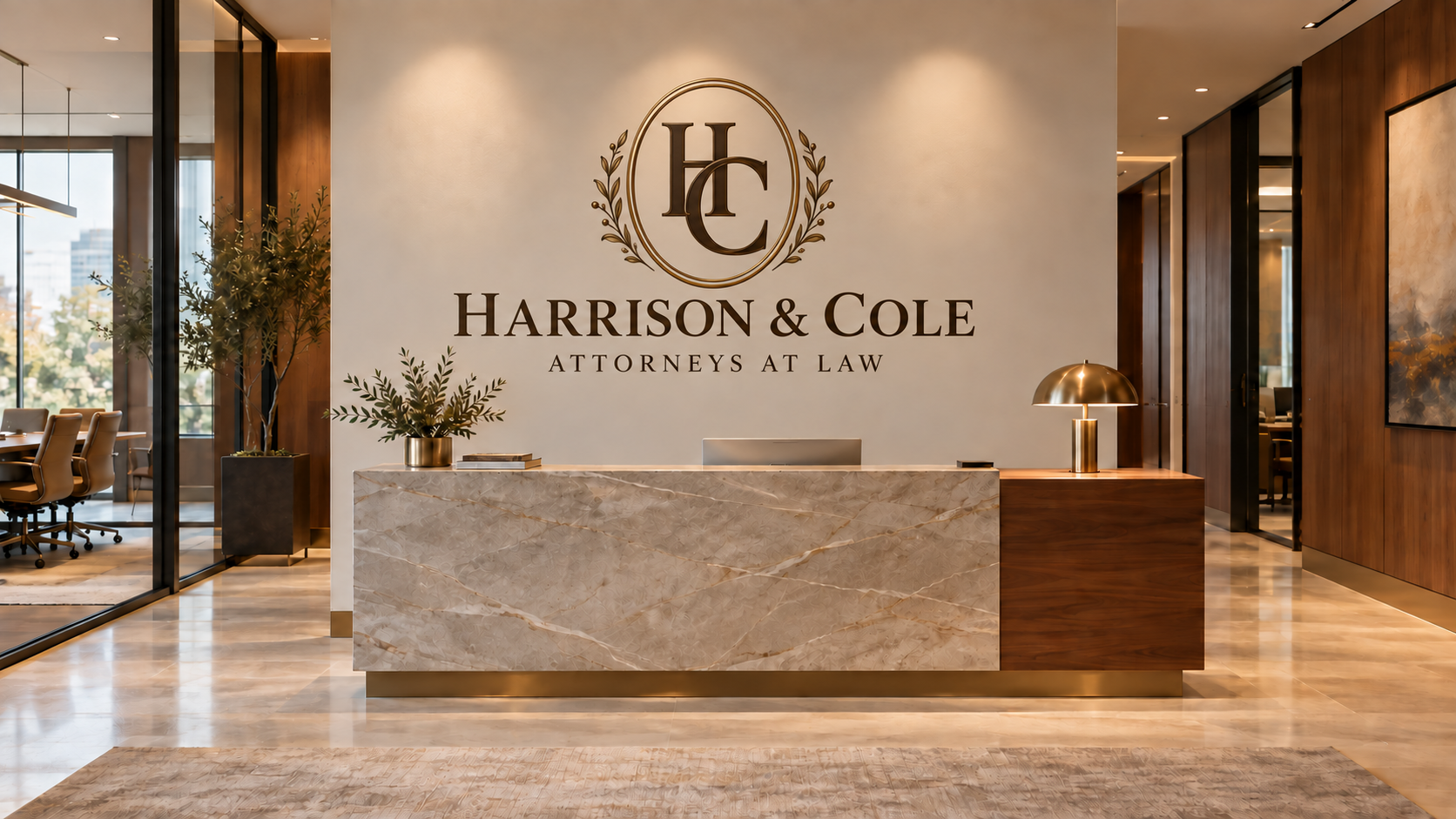
For an office logo wall, ask your designer for the original logo artwork and brand guidelines. For a photographic restaurant mural or a personal image in a home, send the original camera file or the largest original export available. A screenshot, social-media download, or image copied from a website is useful as a reference, but should not be assumed ready for a large print.
Keep an untouched copy of every source file. If you have several versions, tell us which one is current rather than choosing the file with the largest file size.
Logos and photographs need different kinds of files
Vector artwork describes shapes and curves rather than a fixed pixel grid. That makes it useful for crisp logos and lettering at different sizes. Raster artwork, including photographs, is made from pixels. Adobe explains this distinction in its raster and vector guide.
If available, send the original AI, SVG, EPS, or PDF logo for review alongside a reference image showing the correct appearance. A PDF can contain raster images as well as vectors, so its extension alone does not establish quality. A transparent PNG can be useful, but transparency does not make a pixel-based logo scalable. See Adobe’s file-type guidance.
These are source materials for design review, not a promise that every format goes directly to the wall printer. Confirm the final export requirements for your specific project before flattening or converting anything.
Why a “300 DPI” label is not the whole answer
For an image file, pixels per inch (PPI) relates pixel count to printed size. Changing the resolution setting without resampling does not add image detail. Adobe’s resolution and resampling guide, updated September 28, 2026, explains the relationship.
For example, an image 6,000 pixels wide provides 100 PPI when printed 60 inches wide, or 200 PPI at 30 inches wide. These are arithmetic examples, not minimum requirements or promises of acceptable mural quality. Both width and height must be checked after the final crop.
Does every wall mural need 300 PPI?
No single number fits every mural. Adobe notes that 300 PPI suits detailed close-up printing, while large-format images viewed from farther away can use lower resolutions. Its print-resolution guidance was updated February 23, 2026.
For your project, explain where people will stand and what details matter. A logo behind a reception desk, a landscape across a dining room, and a portrait next to a seating area deserve different reviews. The final decision should consider the artwork, actual print size, viewing conditions, wall surface, and production method—not a generic resolution label.
Be cautious with enlarged or AI-enhanced images
Upsampling creates additional pixels; it does not recover the original detail that was never captured. Adobe’s resampling guidance makes this distinction clear. Review enlarged artwork for changed faces, softened lettering, strange textures, and inconsistent edges before approving it.
If the source is unsuitable at the proposed size, useful options include choosing another image, reducing the printed area, changing the composition, or discussing a redraw. Treat these as design decisions, not automatic fixes.
Send the wall information with the artwork
Include the wall’s width and height, a straight-on photograph, and a wider room view. Identify doors, outlets, switches, signs, furniture, and fixtures. Explain whether the artwork should be a logo, a focal illustration, or a larger scene. Our wall-preparation checklist covers the surface and access details to gather.
Wall Stories Creative plans artwork to feather or fade before the ceiling, floor, left edge, and right edge. Essential faces, lettering, and logos stay inside those boundaries. The composition should be planned for the printable area rather than stretched to fill the entire physical wall.
Approve the composition—not just the image
Check the proposed crop, placement, scale, spelling, brand version, and clear space around important details. A beautiful photograph may lose its focal point when cropped for a wide wall. A correctly drawn logo may become hidden by furniture if its position is not reviewed.
For a branded office, our office wall graphics guide can help you choose the right application. For a hospitality space, see our restaurant feature-wall planning guide. Also confirm that you have permission to reproduce supplied artwork, photographs, and brand assets.
Your artwork handoff checklist
Gather the original artwork, current logo and brand guidelines, intended printed dimensions, wall photographs, relevant room details, the normal viewing position, and a short description of the desired result. Ask which final file format and color settings the production workflow requires before exporting the approved design.
Not sure whether your artwork is ready?
Contact Wall Stories Creative with your original image or logo, approximate wall dimensions, and a photograph of the space. We’ll discuss the design direction and what needs to be reviewed before production.
Request a consultation